
One of the underused features of Facebook is creating lists. This allows you to put your Facebook friends into lists – which can be based on a number of criteria such as location or profession.
I have a number of lists which I use – which means that I can either post things that only people within the list can see – or the opposite – post things that people in a certain list CAN’T see.
One of my main uses for this is if I am trying a new marketing idea that I may not want people in a similar industry (photographers) to see.
So here is a step by step guide of how to post to your newsfeed and not show it to people in a list (see below for how to put friends into a list)
Step 1
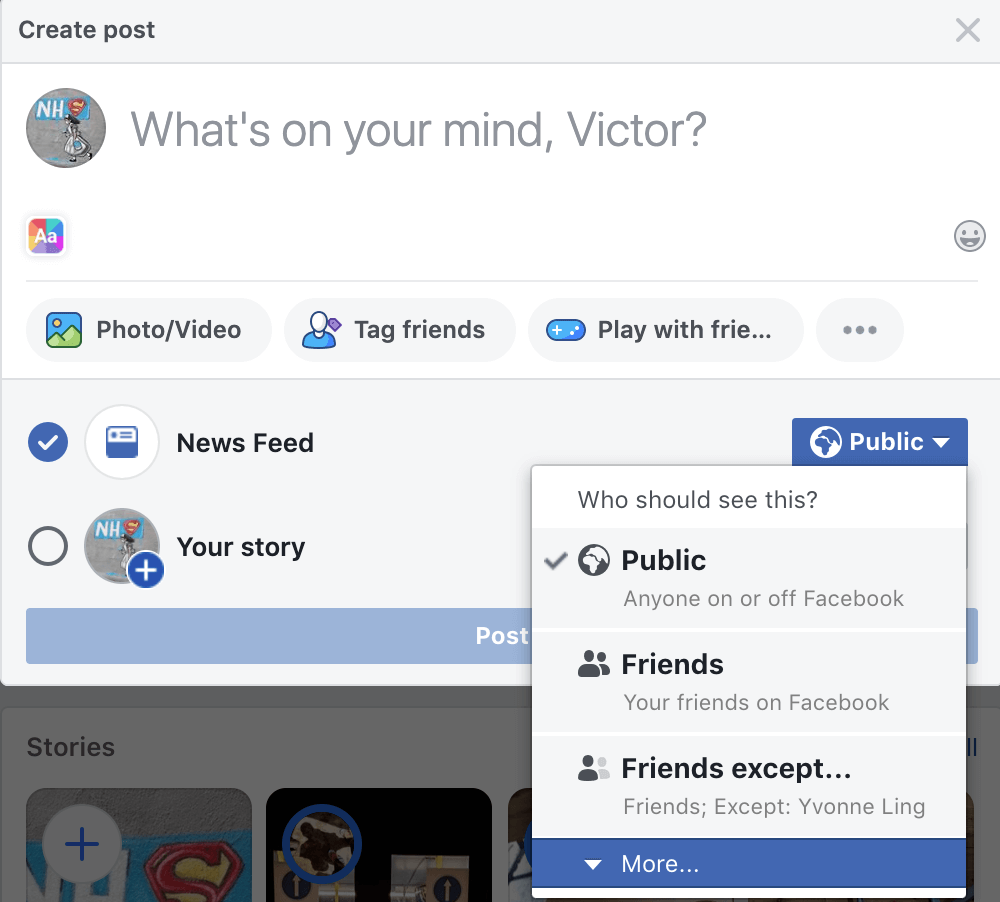
When creating a post – click the button next to Newsfeed (this will usually say ‘public’ or ‘friends’ and go to ‘More’
Step 2
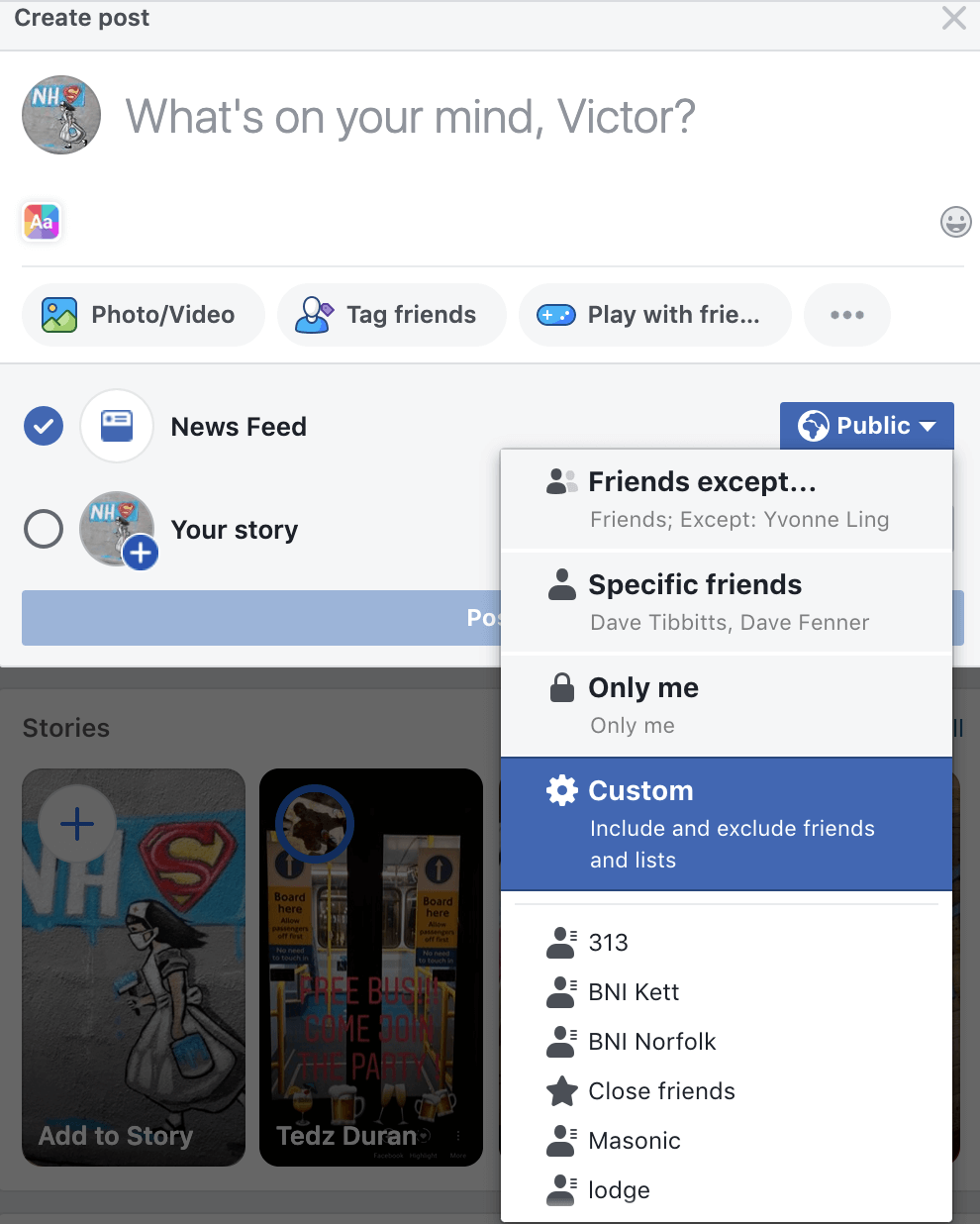
Press Custom
Step 3
You will get a screen like this

Step 4
In this you can choose to share with certain groups or not share with certain groups. I have chosen in this to share with everyone but photographers.
Step 5
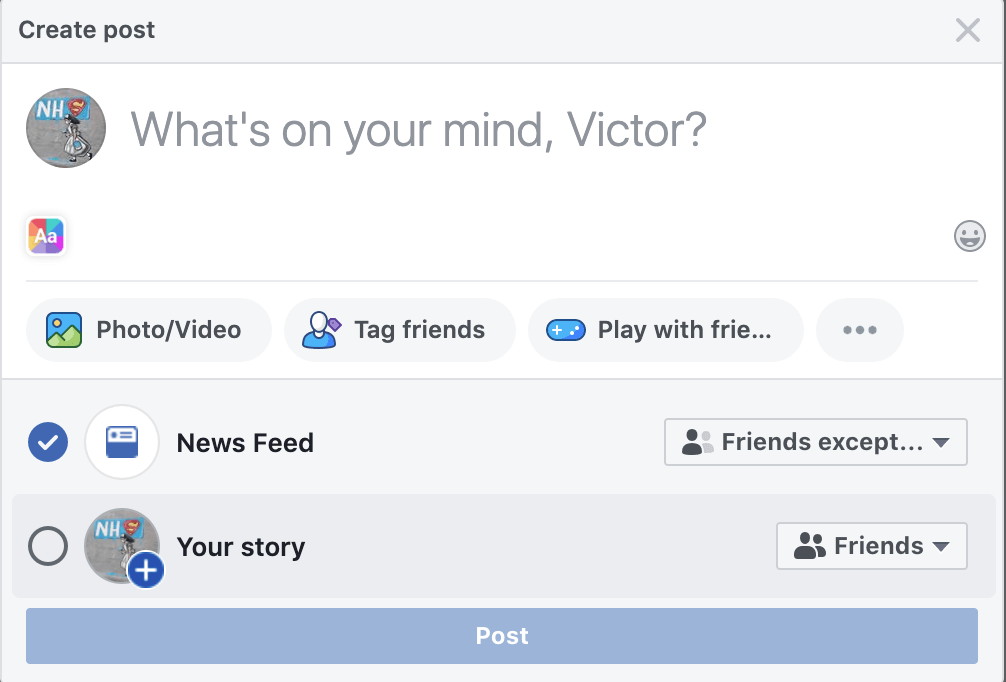
Post your status – and everyone but photographers on your friends list will see this
*obviously please note that it is possible for people to screenshot your status and share it with their photographer friends etc. However they will not be able to tag in any photographers that are on your friends list.
So how do you create lists?
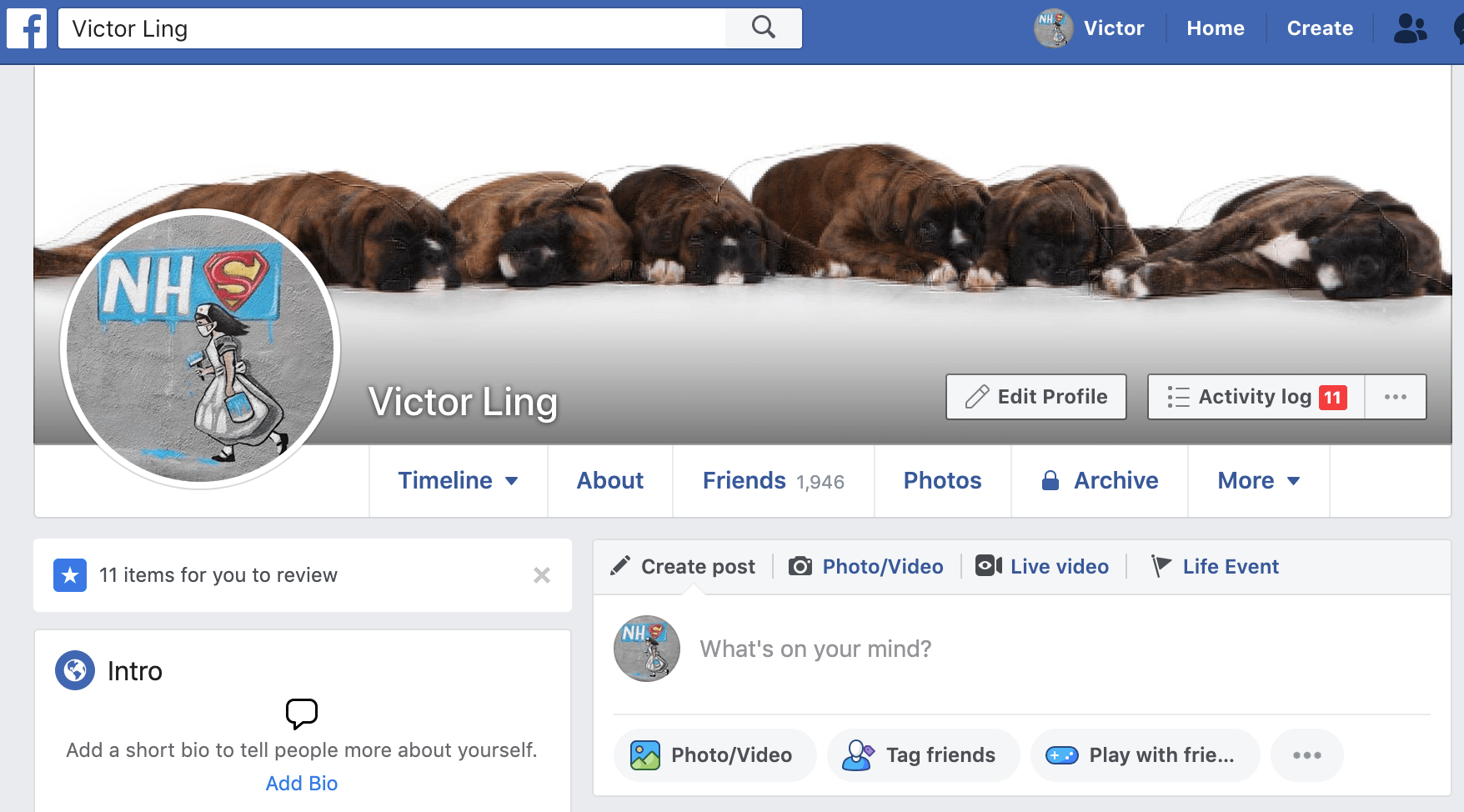
Go to your profile
Step 6
Click on the FRIENDS tab
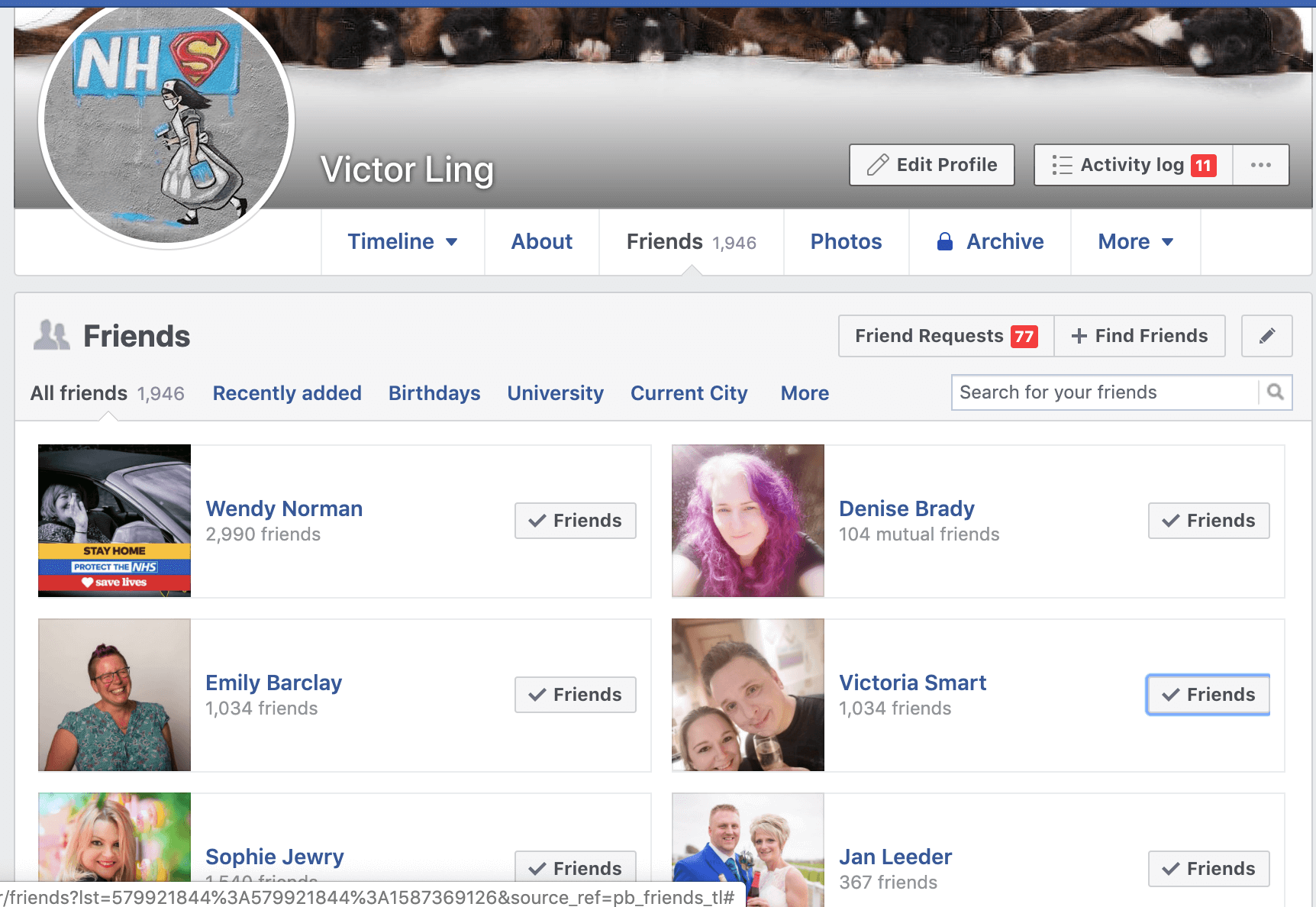
Step 7
On a friend, click on the button that says ‘friends’ next to their nameand click ‘add to another list’.

Step 8
Put them in a list or create a new list.
